What is a Private Area Network?+
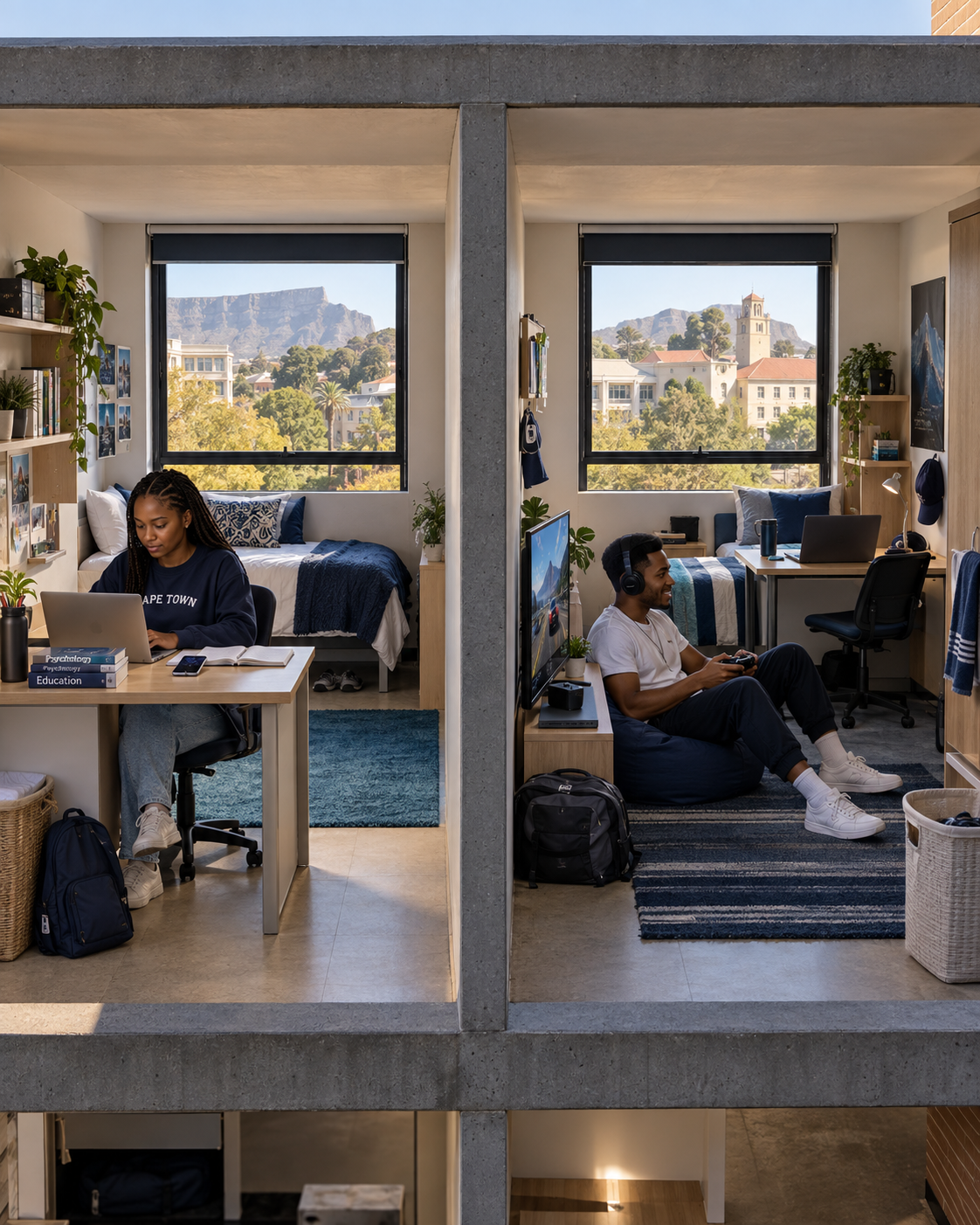
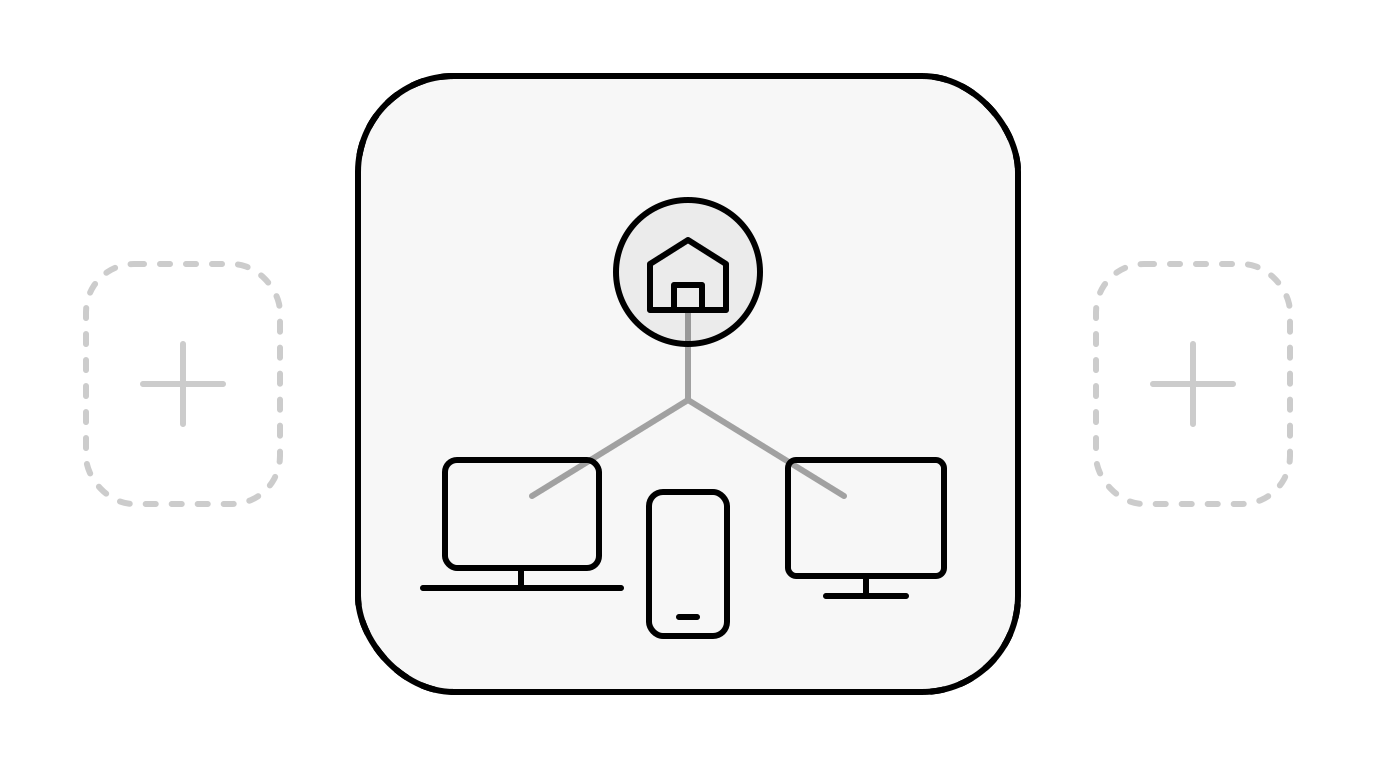
A Private Area Network, or PAN, groups one student’s personal devices on shared residence infrastructure and keeps them separate from other residents. Unlike a network tied to one room, it follows the student into covered communal spaces. Their devices can discover each other for casting and printing inside that private network.
Can students connect gaming consoles and smart TVs?+
Yes. Devices that cannot install the app connect using an individual pre-shared key, or iPSK. Students obtain a personal passcode through their installed WiFi pass and enter it on the device, bringing it into their private network without a web sign-in.
How do students and staff get their WiFi passes?+
They authenticate through the Purple app and install a certificate-based WiFi pass, using the identity and access rules configured for your residence. Phones and laptops then reconnect automatically until access is revoked. The app supports Windows, macOS, Linux, iOS and Android; devices that cannot use it connect with individual iPSK keys.
How does WiFi access end when a student moves out?+
With the resident directory or property management integration configured, access follows tenancy records. Ending the tenancy revokes that student’s credentials without changing anyone else’s WiFi key. Beyond sets up and tests the lifecycle with your team.
Will we need to replace our existing WiFi hardware?+
Multi-Tenant WiFi works with supported existing access points and controllers. Beyond checks your hardware, configuration, coverage and capacity during planning, then agrees any changes. You do not need to assume a complete hardware replacement to start the conversation.
Can staff and visitors use the same infrastructure?+
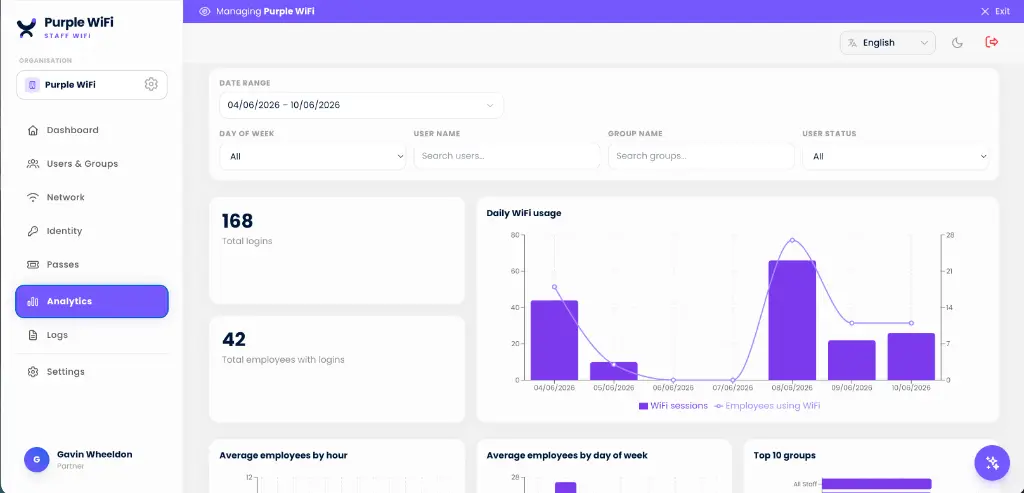
Yes, with separate access for each audience. Multi-Tenant WiFi gives students private networks, Staff WiFi uses individual work identities, and Guest WiFi provides a branded visitor sign-in. Beyond configures the access rules around your residence.
Can Guest WiFi support orientation, viewings and feedback?+
Yes. Branded welcome journeys can direct visitors and new arrivals to residence information, campus services and viewing details. Capture or Engage collects visitor details with consent, while Engage supports configured follow-up and orientation messages; Surveys is available on Capture or Engage for visitor feedback.
Can we filter unwanted content on staff and visitor WiFi?+
Yes. Shield is available for Staff WiFi and Guest WiFi to filter unwanted content and malicious domains. Beyond configures policies and exceptions around your residence; Shield is not assigned to Multi-Tenant WiFi in our current offering.
Can we manage several residences centrally?+
Yes. Manage access across your accommodation portfolio while keeping student, staff and visitor policies distinct. Beyond plans resident onboarding, property integrations, reporting and support around the buildings and systems you operate.
How do you handle resident data and privacy?+
Private student networks isolate personal devices, while individual credentials make access manageable. Beyond configures resident records, permissions and visitor consent around your POPIA and GDPR requirements. Data handling and retention form part of the agreed setup.
How is Student Accommodation WiFi priced?+
Request pricing for your residence or portfolio. Share the number of beds and buildings, existing equipment, product requirements and any integrations you need. Beyond uses that scope to discuss the service and commercial terms with you.